Go to product section
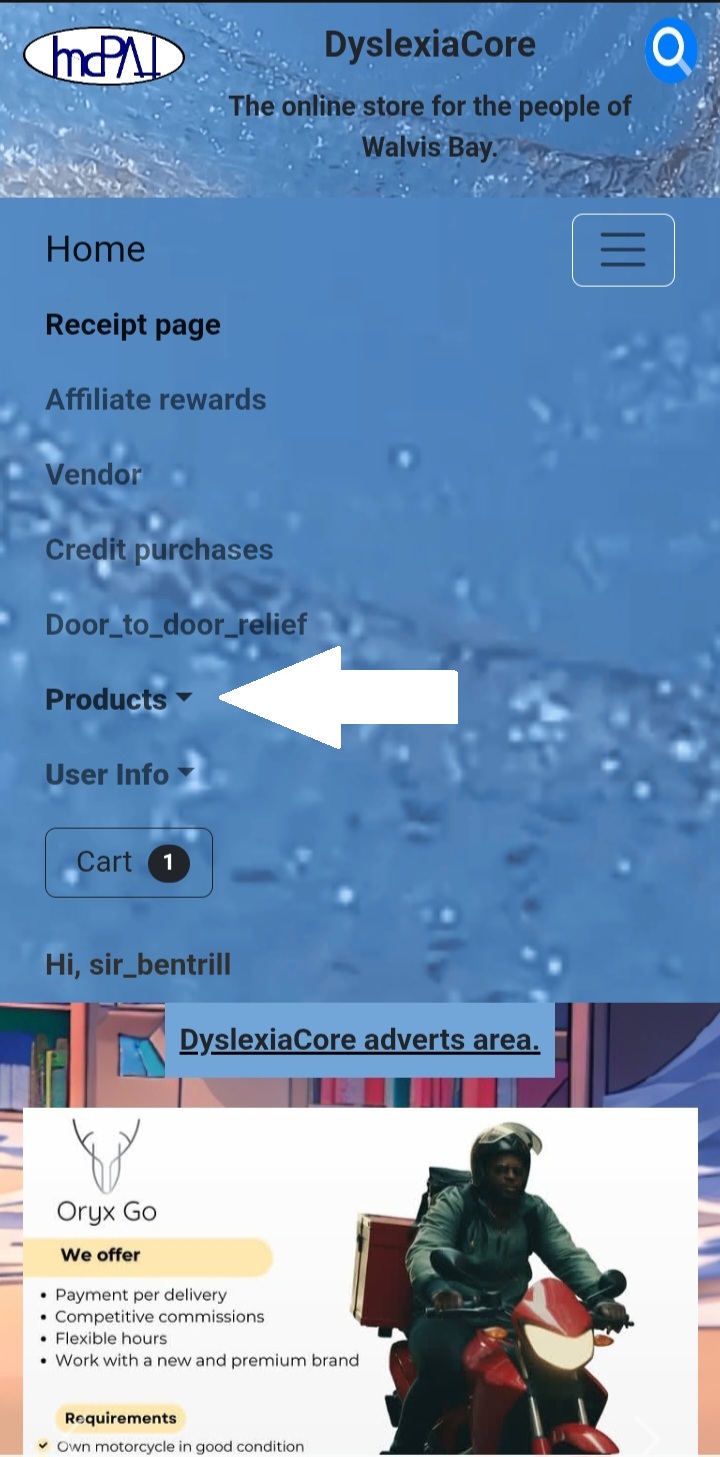
Go to the product section and select a category to browse.
Preview item
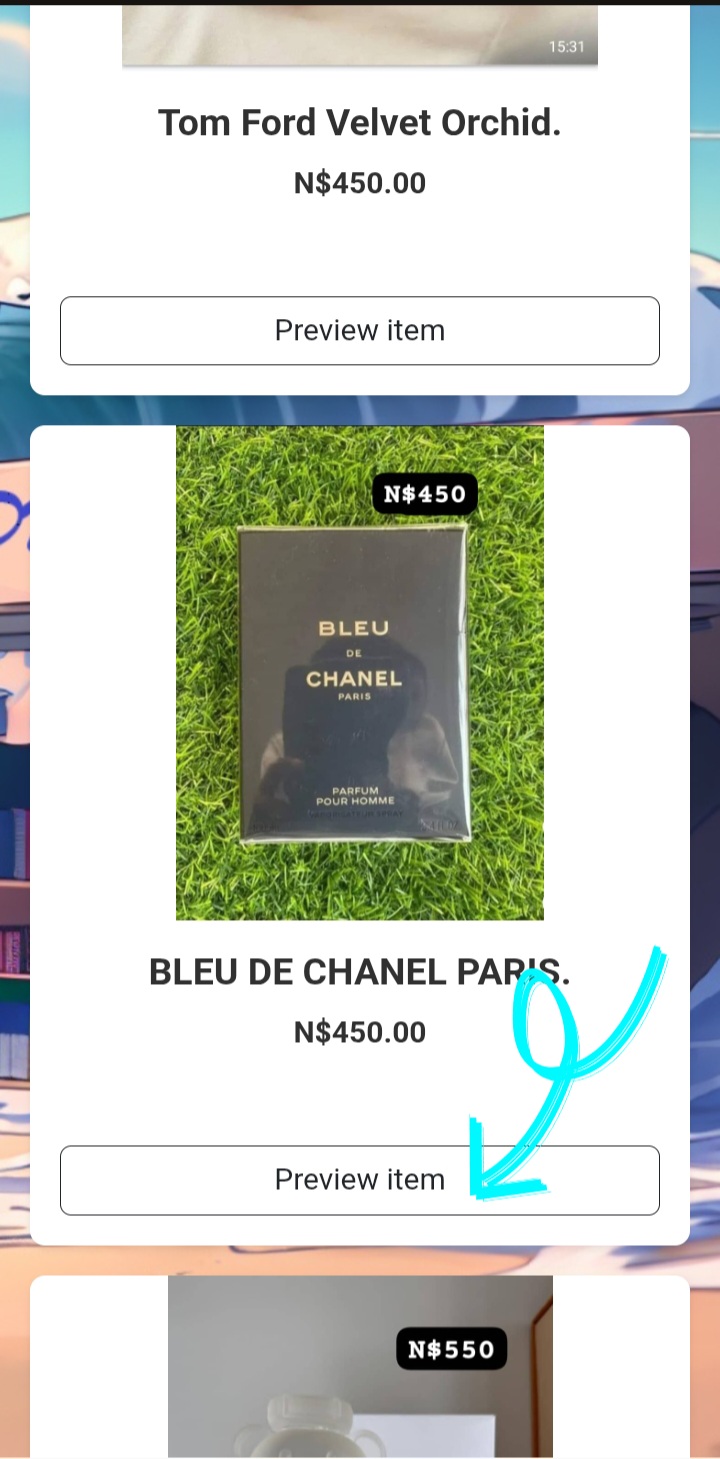
When you find an item you are interested in, click “Preview Item” to view detailed information about the product.
Add to cart.
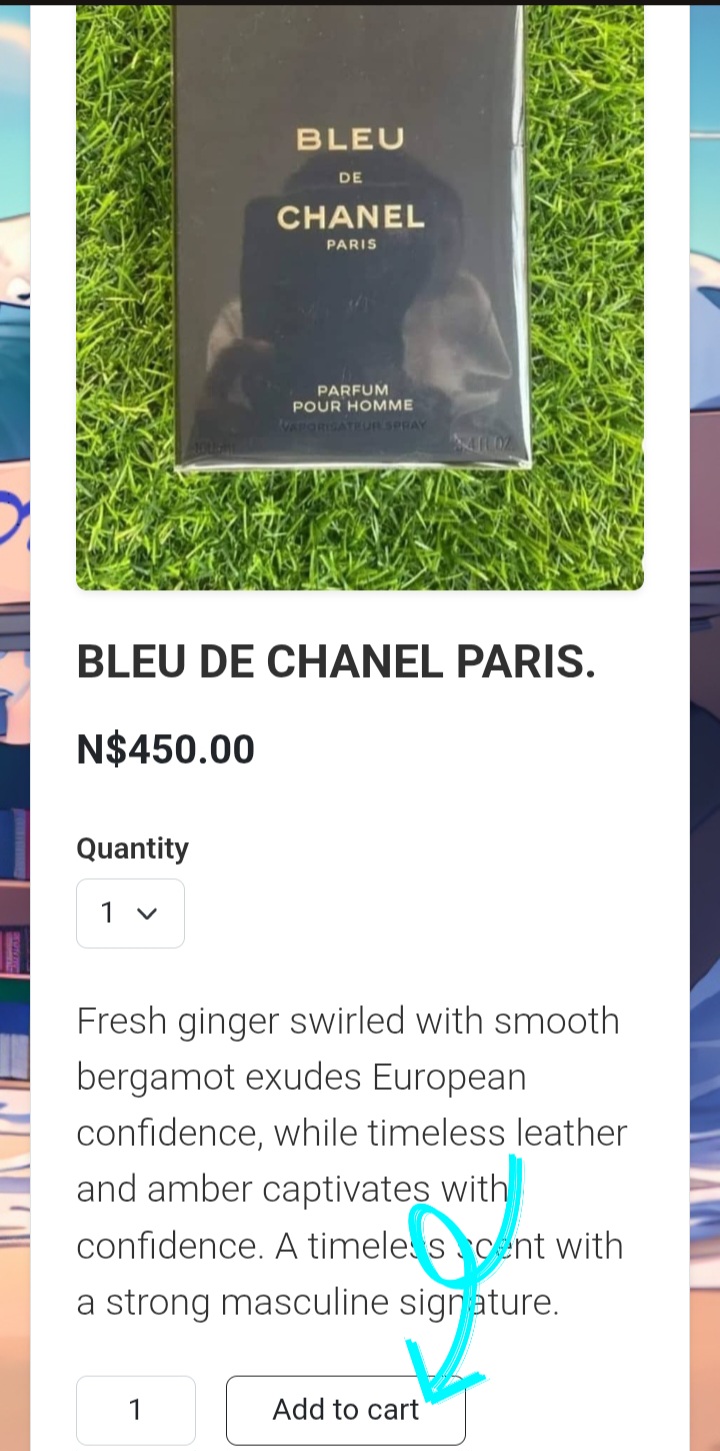
Once you’ve reviewed the product and wish to buy it, click “Add to Cart.” Just like in a store, the item is added to your cart but hasn’t been purchased yet.
Go to cart.
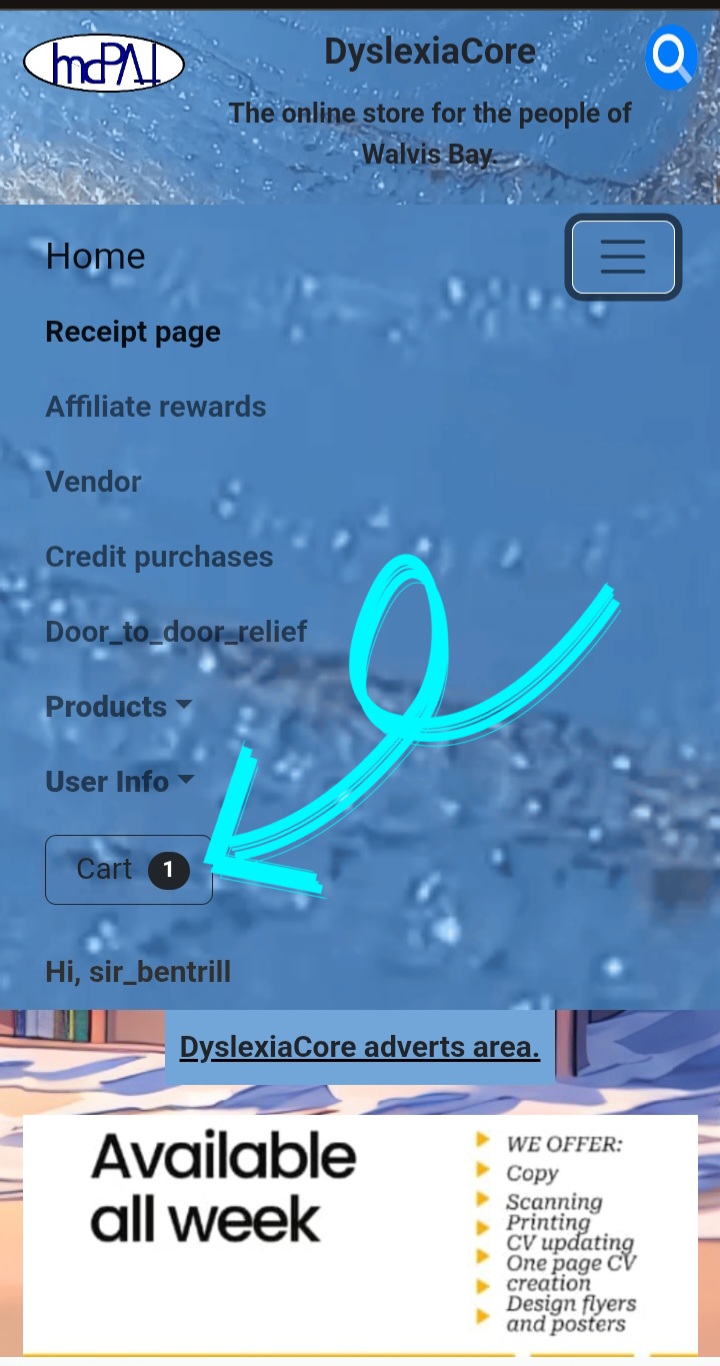
Go towards the cart icon.
In the cart
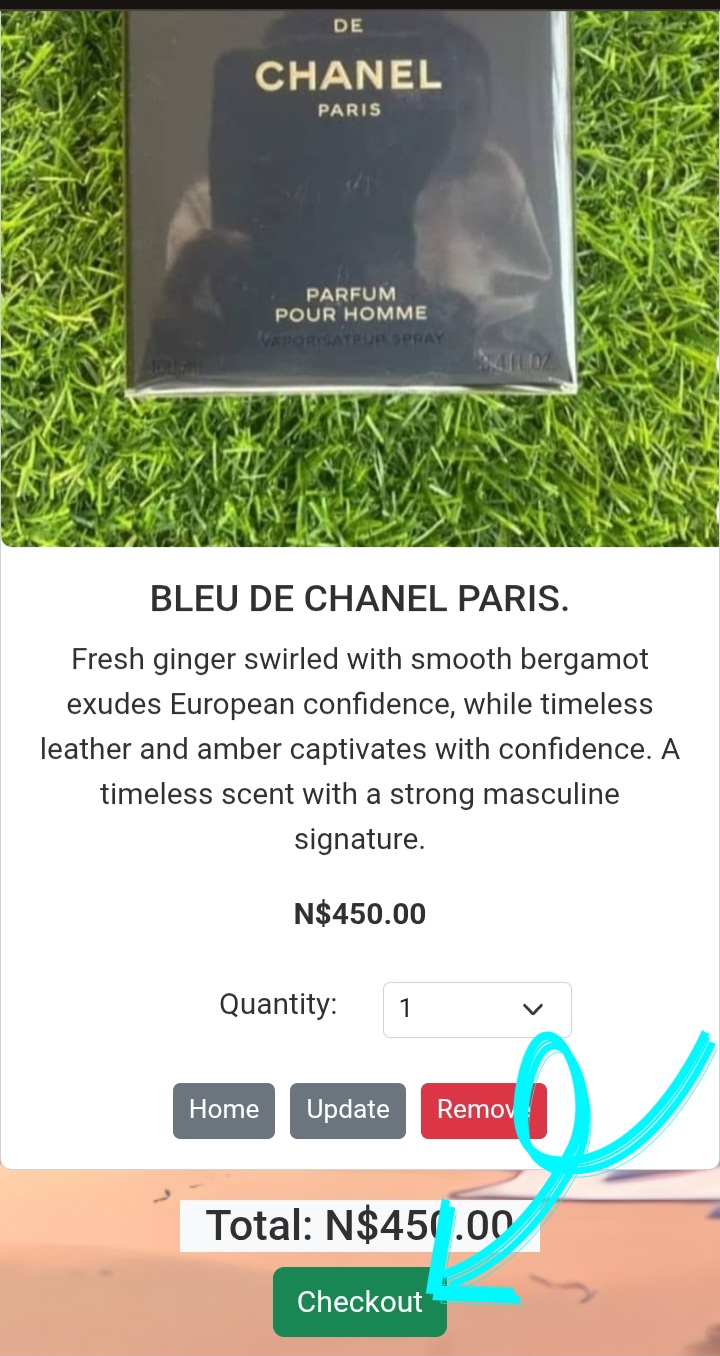
Here you can view all the items you have added to your cart. You may add multiple items, and the cart will automatically calculate the total amount payable.
Checkout area
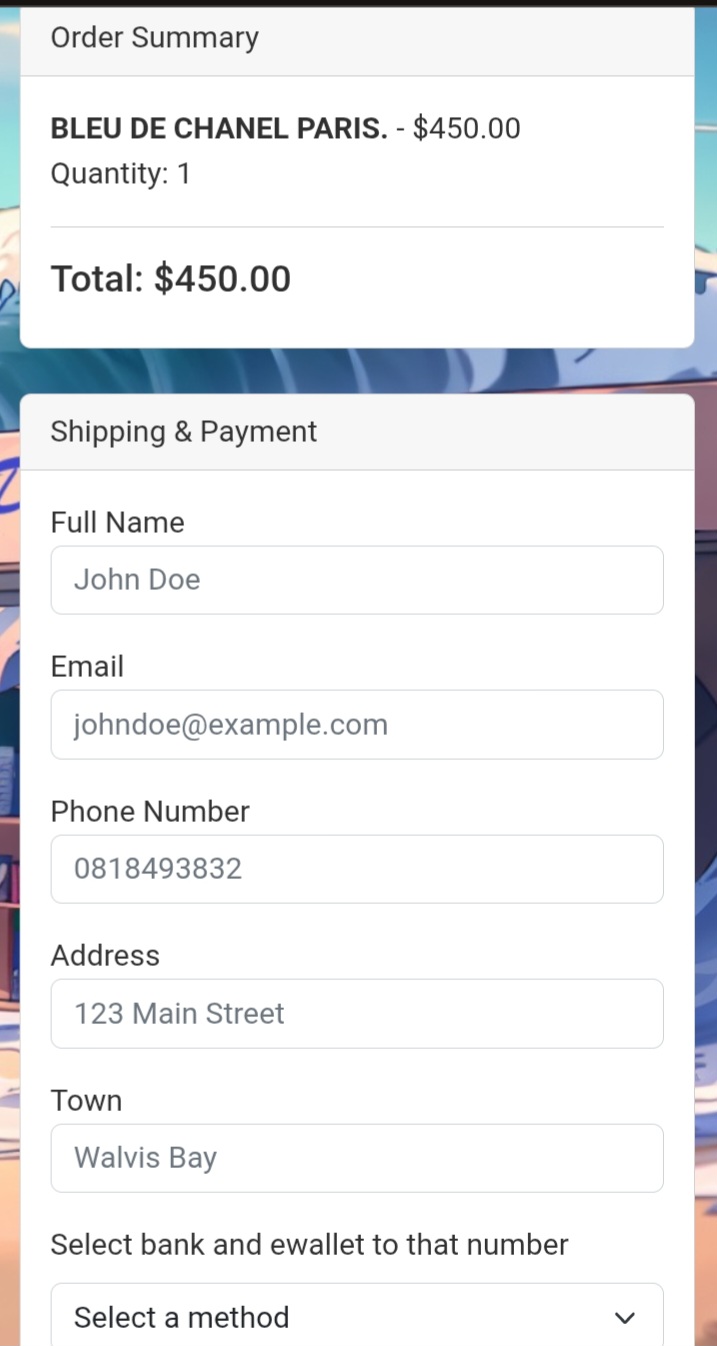
Here, you simply fill in your information. This process is straightforward. Your details will be sent to the vendor so they know where to deliver the items.
Order successful
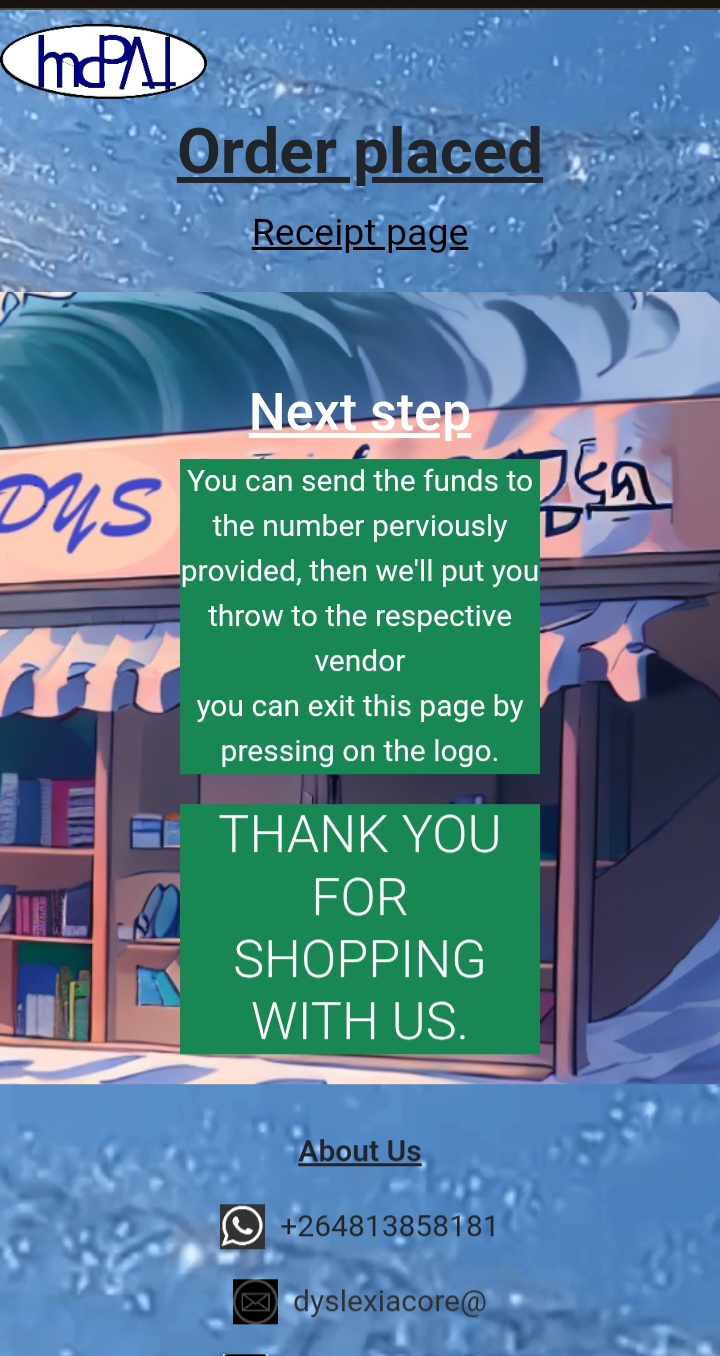
Reaching this page confirms that your order has been successfully placed. You may now send the payment to 081 849 3832 using the bank and payment method you previously selected. We currently accept E-Wallet, Blue Voucher, and EasyWallet payments only. If you have forgotten the total amount due, please visit the Receipt page, where the full total is displayed
Receipt page
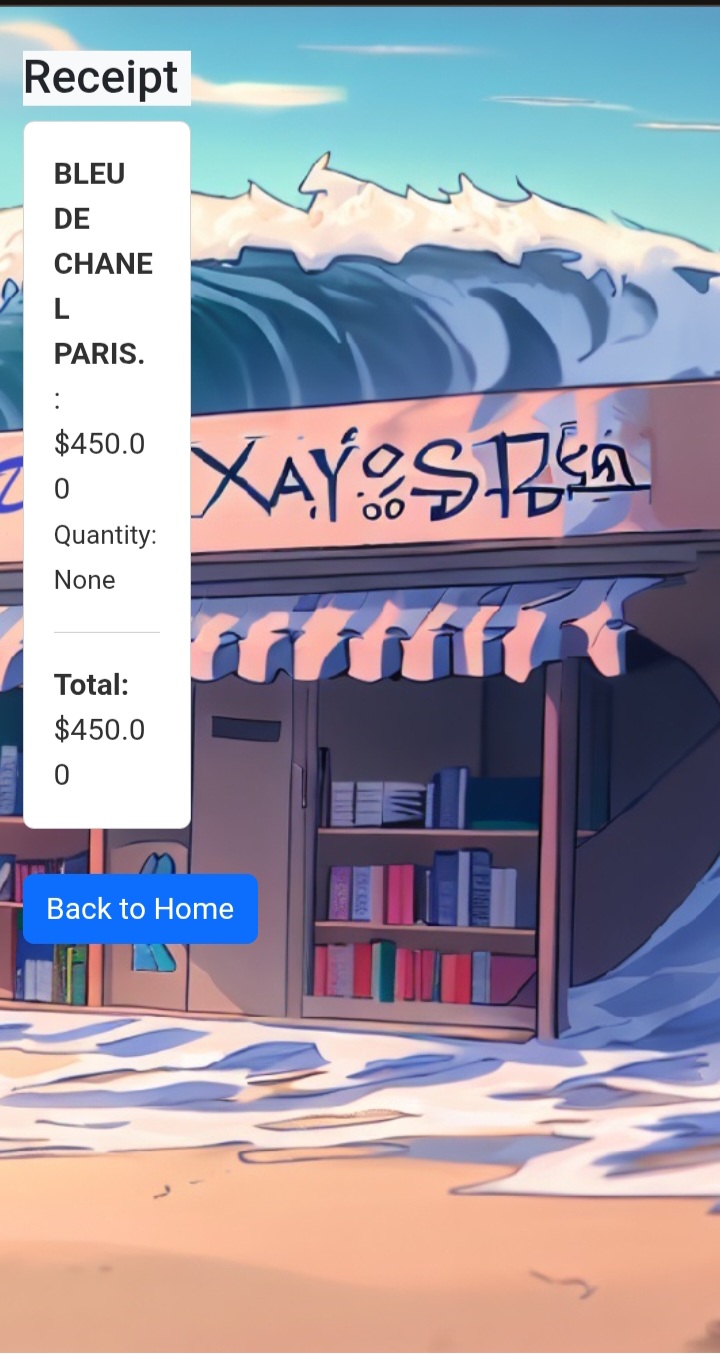
This page keeps track of all the orders that you made.